Every child deserves to be heard.
TabTap AAC gives non-verbal and speech-impaired children a voice. Tap interactive symbol tabs to build phrases in English and Bisaya, practice daily vocabulary, and communicate at home, in school, or during therapy sessions.
Made for parents, guardians, and speech-language therapists supporting a child's communication.
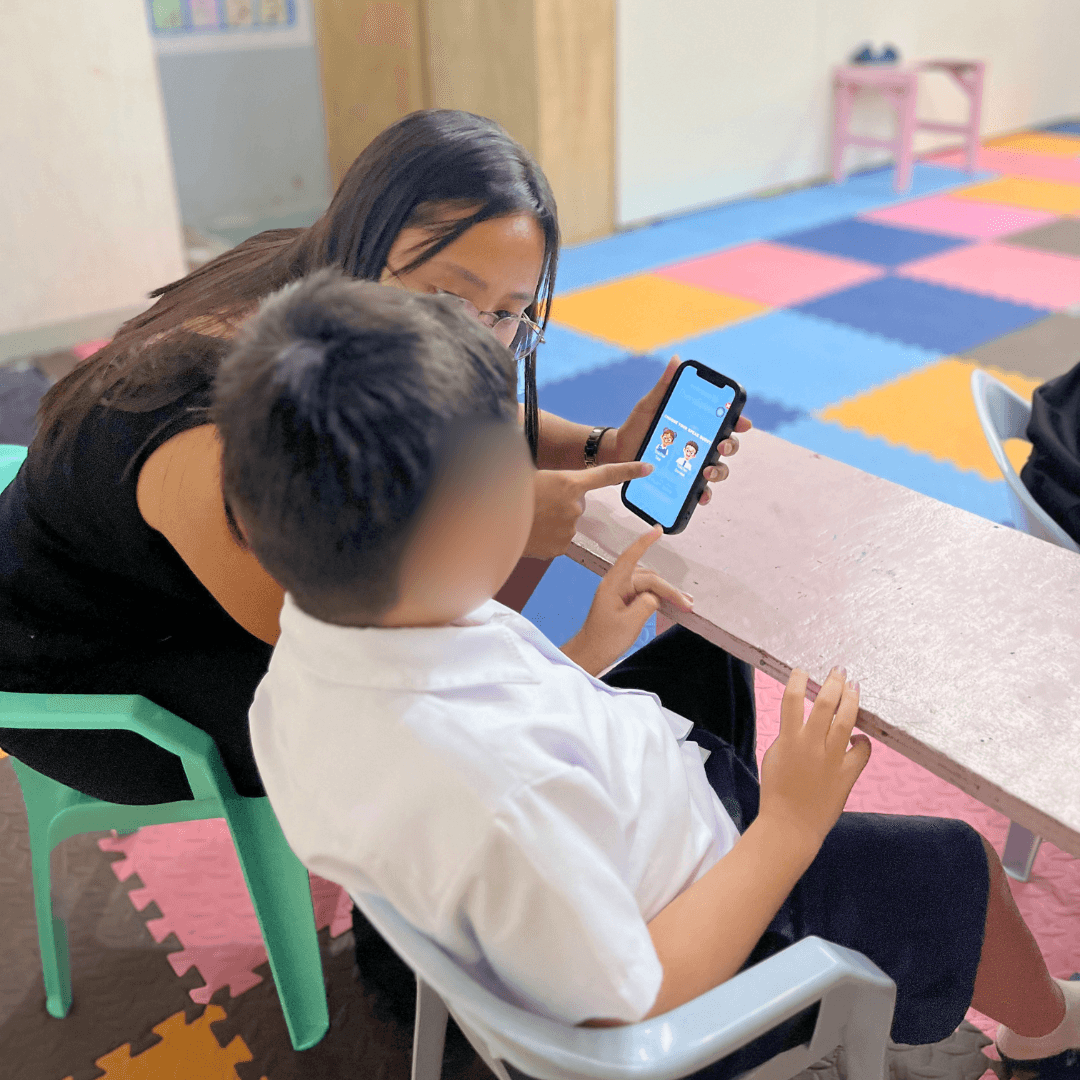
What is AAC, anyway?
AAC stands for augmentative and alternative communication — any tool that supports someone who finds spoken words hard to produce or rely on. That can mean gestures, a paper picture board, or an app like this one.
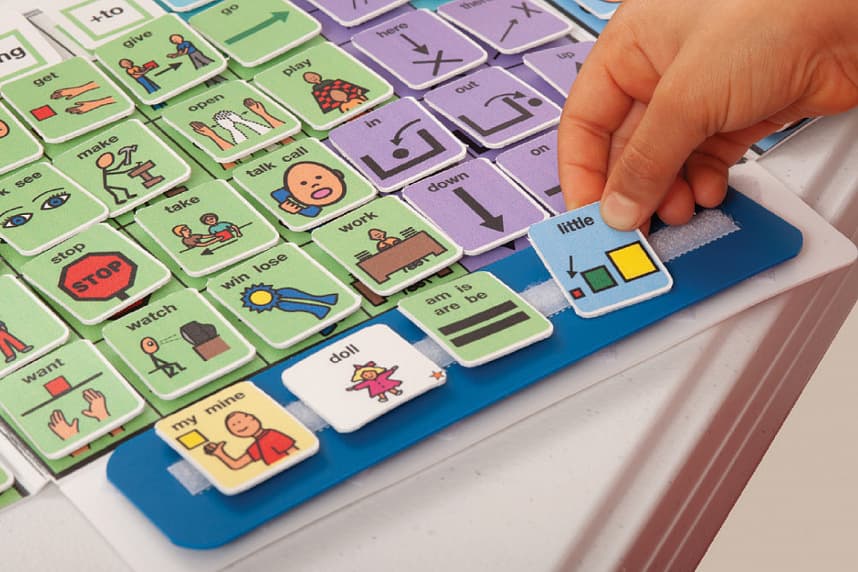
Instead of asking a child to find the right word out loud, AAC lets them build meaning by pointing: a picture for "want," a picture for "water," placed side by side. Many boards use a consistent color for each type of word — nouns, verbs, describing words — so a child can learn where things live on the board, not just what one picture means.
TabTap AAC follows that same convention, in Bisaya (Cebuano) and English, so a child can be understood at home, at therapy, and at school.
Tap a symbol
A child taps a picture tile — a person, an action, a feeling — instead of forming the word aloud.
Tiles build a sentence
Tiles line up left to right, color-coded by category, so a sentence takes shape one idea at a time.
The board speaks it
The finished sentence is read aloud in Bisaya, so the people around them can hear and respond.
TabTap AAC
Bisaya and English
Every symbol speaks in Bisaya (Cebuano) with an English label, so a child is understood by grandma and by their therapist alike.
Tap to build, tap to speak
Picture tiles snap into a sentence strip and read aloud on request — no typing, no spoken word required.
Nothing leaves the device
No account, no sign-up, no tracking. Settings and favorites stay in the browser — never on our servers.
Fits how your child uses it
Big Buttons for developing motor control, Low Stimulation for sensory-sensitive days, Focus Mode to reduce clutter.
Works anywhere, installs nowhere
Open it in any browser — phone, tablet, or shared classroom computer. Nothing to download.
Favorites that matter
Pin the sentences your child reaches for most, so the words they need most are always one tap away.
One board.
Two places it lives.
The same words, the same colors, the same layout — whether it's open on the kitchen table or on a desk at school.
At home
Keep the board open during meals, playtime, or a tough moment. No setup needed — hand over the device and let your child point to what they mean.
In therapy and school
Consistent, color-coded categories make it easy to model language during sessions and carry the same board home — nothing to reconfigure between settings.